


Bazaart AI Photo Editor Design
4.61.76K Reviews
App Specs
- Version
- 4.5.2
- Updated On
- License
- Free
- Downloads
- 5,000,000+
- Developer
- Bazaart Ltd.
- Categories
- Art & Design
- Platform
- Android, iOS
Screenshots
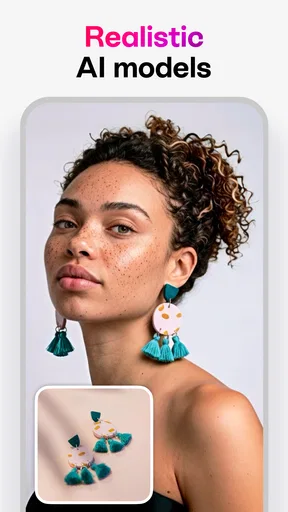
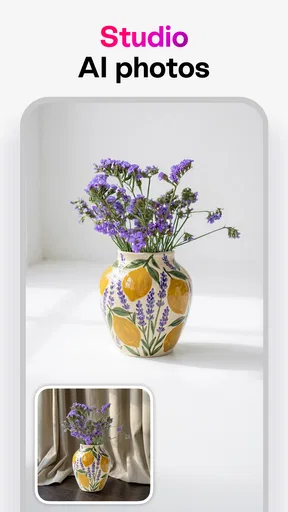
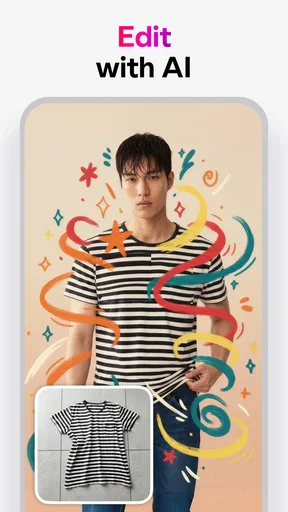
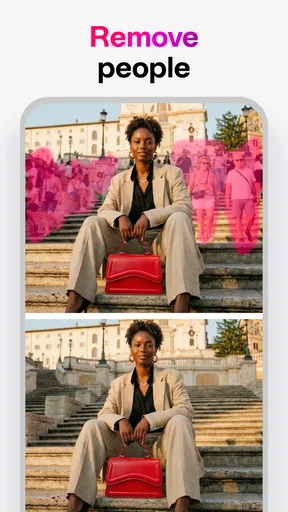
 Analysis by AppCompare
Ever find yourself scrolling through social media, looking at all those stunning photos and thinking, "How do they do it?" Well, let me introduce you to Bazaart AI Photo Editor Design. This app is like having a mini design studio right in your pocket! Whether you’re an aspiring influencer or just want to jazz up your personal photos, this app has got you covered.
Getting Started with Bazaart
The first thing you’ll notice when you open Bazaart is its clean and intuitive interface. It doesn’t bombard you with too many options right off the bat. Instead, it gently nudges you towards creativity with a friendly, "What do you want to create today?"
Once you dive in, you’ll find a plethora of tools at your disposal. From basic editing functions like crop and rotate to more advanced features like layers and blending modes, Bazaart has it all. And let’s not forget the AI-powered tools. These are a game changer, making complex edits as easy as tapping a button. Seriously, it feels like magic!
Editing Features Galore
Now, let’s talk about the editing features. The app offers a variety of filters and effects that can transform even the most mundane photo into a masterpiece. Feeling artsy? Try out the artistic filters that mimic famous styles like Van Gogh or Picasso. Want to add some drama? The lighting effects will make your photos pop.
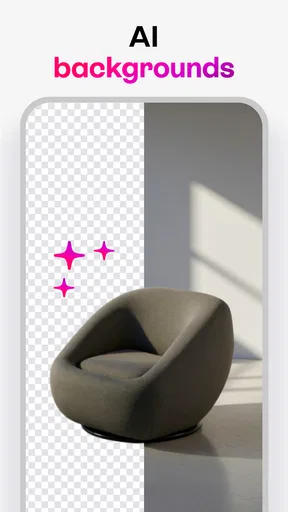
But what truly sets Bazaart apart is its background removal tool. With just a tap, you can erase backgrounds, leaving you with a clean slate to superimpose your subject onto any backdrop you choose. It’s perfect for creating those dreamy, surreal images that are all the rage right now.
Creative Freedom with Layers
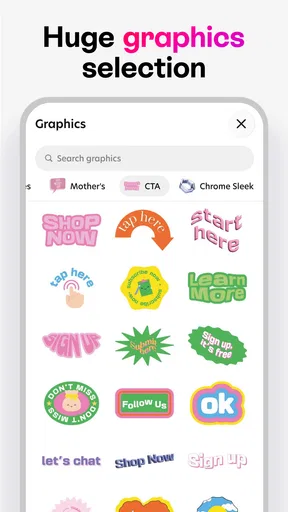
One of my favorite features is the ability to work with layers. This gives you the freedom to stack images, text, and stickers in a way that feels like you’re working in a professional design software. You can adjust the opacity, blend modes, and even add shadow effects to give your creations depth.
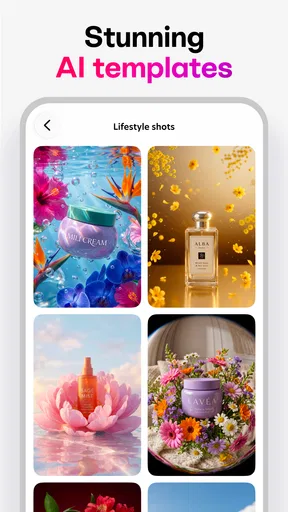
Need inspiration? Browse through Bazaart’s extensive library of templates. Whether you’re crafting a birthday card, a social media post, or a digital collage, there’s something for every occasion. And the best part? These templates are fully customizable, so you can tweak them to suit your style.
Worth Reading Before You Choose

EA SPORTS FC Mobile 26 Is a Bigger Football Game, but It Takes Time

Flipboard Shows What News Apps Must Do Beyond the Feed

Switching to Android Auto Means Rethinking Your Driving Routine

Google Calendar Makes a Crowded Week Easier to Manage

Ludo King Makes the Most of the Minutes Between Plans

Baby Panda World Brings Quick Play to Modern Phones, but Its Game Library Feels Busy
AI-Powered Magic
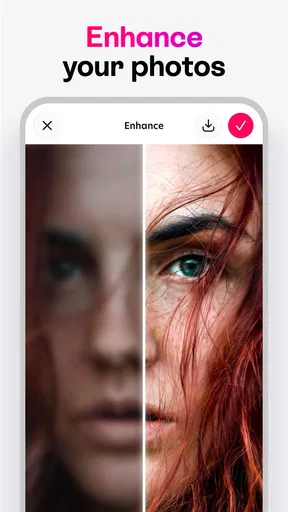
Now, let’s talk about what makes Bazaart truly unique: its AI capabilities. The AI tools are like having a personal assistant who knows exactly what you need. For example, the auto-enhance feature analyzes your photo and makes subtle tweaks to improve lighting, contrast, and colors automatically. It’s like having a pro photographer at your fingertips!
The AI also assists with object detection, making it easier to select and manipulate specific parts of your image. Want to change the color of a dress or a car without affecting the rest of the photo? Bazaart’s AI handles it with ease.
Sharing and Saving Your Creations
Once you’ve crafted your masterpiece, sharing it is a breeze. Bazaart offers direct integration with all major social media platforms, so you can post your creations with just a tap. Plus, you can export your images in high resolution, which is great for printing or professional use.
And don’t worry about losing your work. Bazaart automatically saves your projects, allowing you to pick up right where you left off. You can also organize your projects into folders for easy access, which is super handy if you’re working on multiple designs at once.
Final Thoughts
In a world where visuals are everything, Bazaart AI Photo Editor Design is like having a secret weapon. It’s user-friendly, packed with features, and powerful enough to bring any creative vision to life. Whether you’re a seasoned designer or a newbie just looking to spruce up your selfies, Bazaart offers something for everyone.
So, if you’re ready to unleash your creativity and make your photos stand out, give Bazaart a try. Trust me, once you start, you won’t want to stop!
Pros
- Intuitive interface for easy navigation.
- High-quality AI editing features.
- Wide range of design templates.
- Seamless integration with social media.
- Regular updates with new tools.
Cons
- Limited free version features.
- Occasional in-app purchase prompts.
- Requires internet for full functionality.
- Some tools have a learning curve.
- Large file sizes can slow performance.
FAQs for Bazaart AI Photo Editor Design
What features does Bazaart AI Photo Editor Design offer?
Bazaart AI Photo Editor Design provides a range of powerful tools for photo editing and graphic design, including AI-driven background removal, advanced layering capabilities, and an extensive library of templates and stickers. Users can also enjoy features like text customization, artistic filters, and seamless integration with social media platforms for easy sharing.
Is Bazaart AI Photo Editor Design free to use?
Bazaart offers a free version with limited features, which includes basic editing tools and some templates. However, for full access to all features, including premium templates, advanced editing tools, and an ad-free experience, users need to subscribe to the Bazaart Pro version, which comes with a monthly or annual fee.
How user-friendly is Bazaart AI Photo Editor Design for beginners?
Bazaart is designed with a user-friendly interface, making it accessible for beginners. The app provides intuitive tools and clear instructions, allowing users to easily navigate and utilize its features. Additionally, the app offers tutorials and guides to help new users get acquainted with its capabilities and maximize their creative potential.
What are the system requirements for installing Bazaart AI Photo Editor Design?
Bazaart AI Photo Editor Design is available for both iOS and Android devices. For iOS, it requires iOS 12.0 or later, and is compatible with iPhone, iPad, and iPod touch. For Android users, the app requires Android 8.0 and up. It’s important to have sufficient storage space for both the app and your projects.
Can Bazaart AI Photo Editor Design be used offline?
Bazaart can be used offline to edit photos and create designs with pre-downloaded resources. However, certain features, such as accessing new templates, stickers, and syncing across devices, require an internet connection. To make the most of the app, it's recommended to use it online whenever possible.


